Connecting a data source
1
Navigate to Data Sources
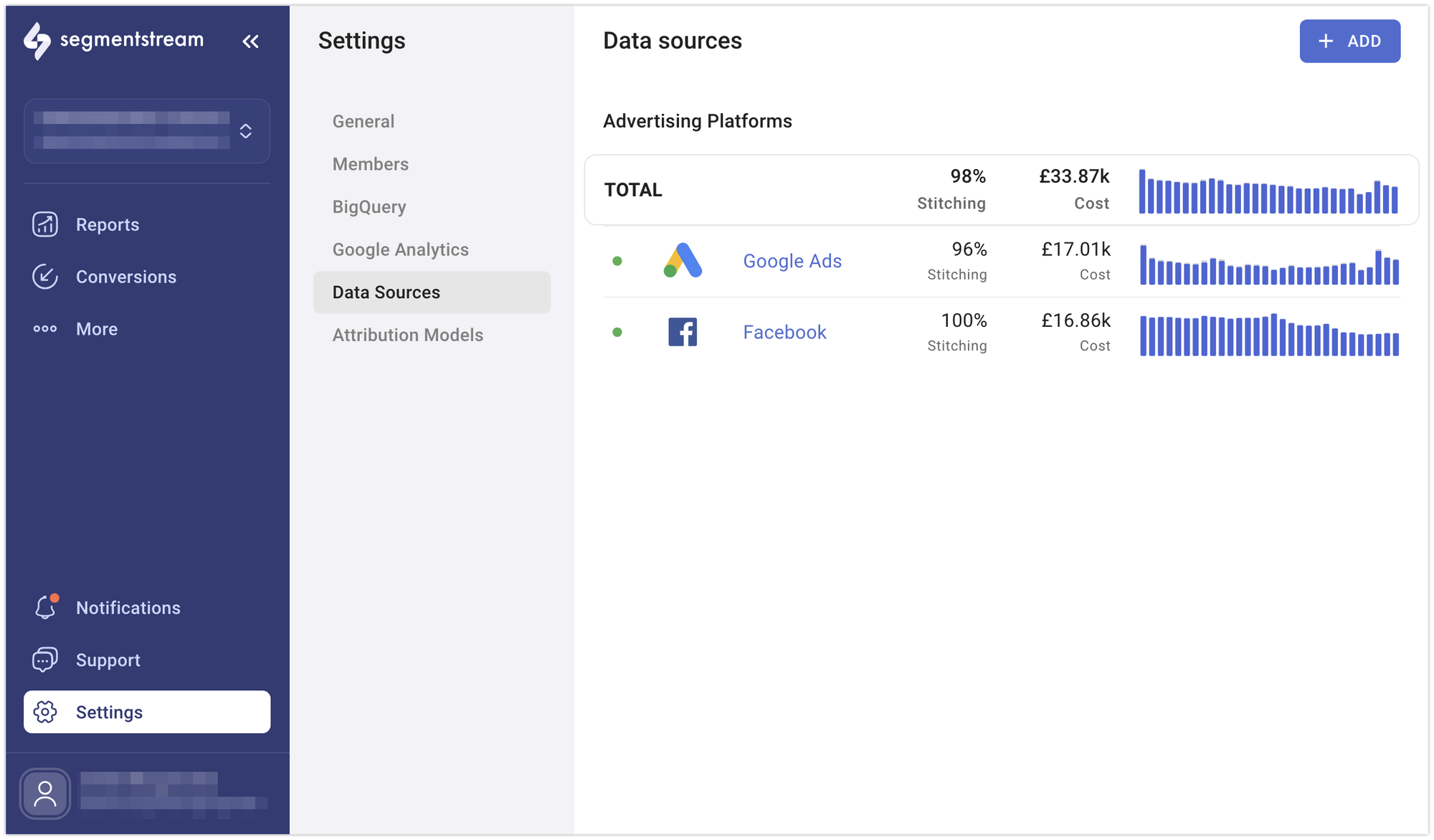
Go to the Data Sources page in the Settings section of the admin panel.
2
Select the data source
Select the data source that you wish to connect.
3
Authenticate
Complete the authorisation process to allow SegmentStream to collect ad platform data.
4
Pick accounts
Pick the accounts you want to connect through the data source.
5
Name and save
Provide a unique name for your data source and click Save.
Available integrations
Import cost data from Facebook Ads.
Google Ads
Import cost data from Google Ads.
Microsoft Advertising
Import cost data from Microsoft Advertising.
Import cost data from LinkedIn Ads.
TikTok
Import cost data from TikTok Ads.
RTB House
Import cost data from RTB House.
Import cost data from Pinterest Ads.
Criteo
Import cost data from Criteo.
Google DV360
Import cost data from Google Display & Video 360.
Twitter (X Ads)
Import cost data from X Ads.
Awin
Import cost data from Awin.
impact.com
Import cost data from impact.com.
Google Sheets
Import cost data from Google Sheets.
Import cost data from Reddit Ads.
Snapchat
Import cost data from Snapchat Ads.
StackAdapt
Import cost data from StackAdapt.
OpenAI Ads
Import cost data from OpenAI Ads.
Hubspot
Import CRM data from Hubspot.
Other supported platforms
The following platforms are also available as data sources through the admin panel. They follow the standard connection process and do not require additional configuration steps:- AdRoll
- Google Campaign Manager
- OutBrain
- Quora
- Microsoft Dynamics 365
- Pipedrive
- Salesforce
- Appsflyer
- JSON Feed
- Webhook
Data warehouses
Import arbitrary tables or query results from a data warehouse into your project’s BigQuery dataset. Use these to enrich SegmentStream reports with CRM data, offline conversions, product catalogues, or anything else that lives in your warehouse.Snowflake
Run a SQL query against a Snowflake warehouse on a daily schedule and load the results into a BigQuery table you choose.
Best practices
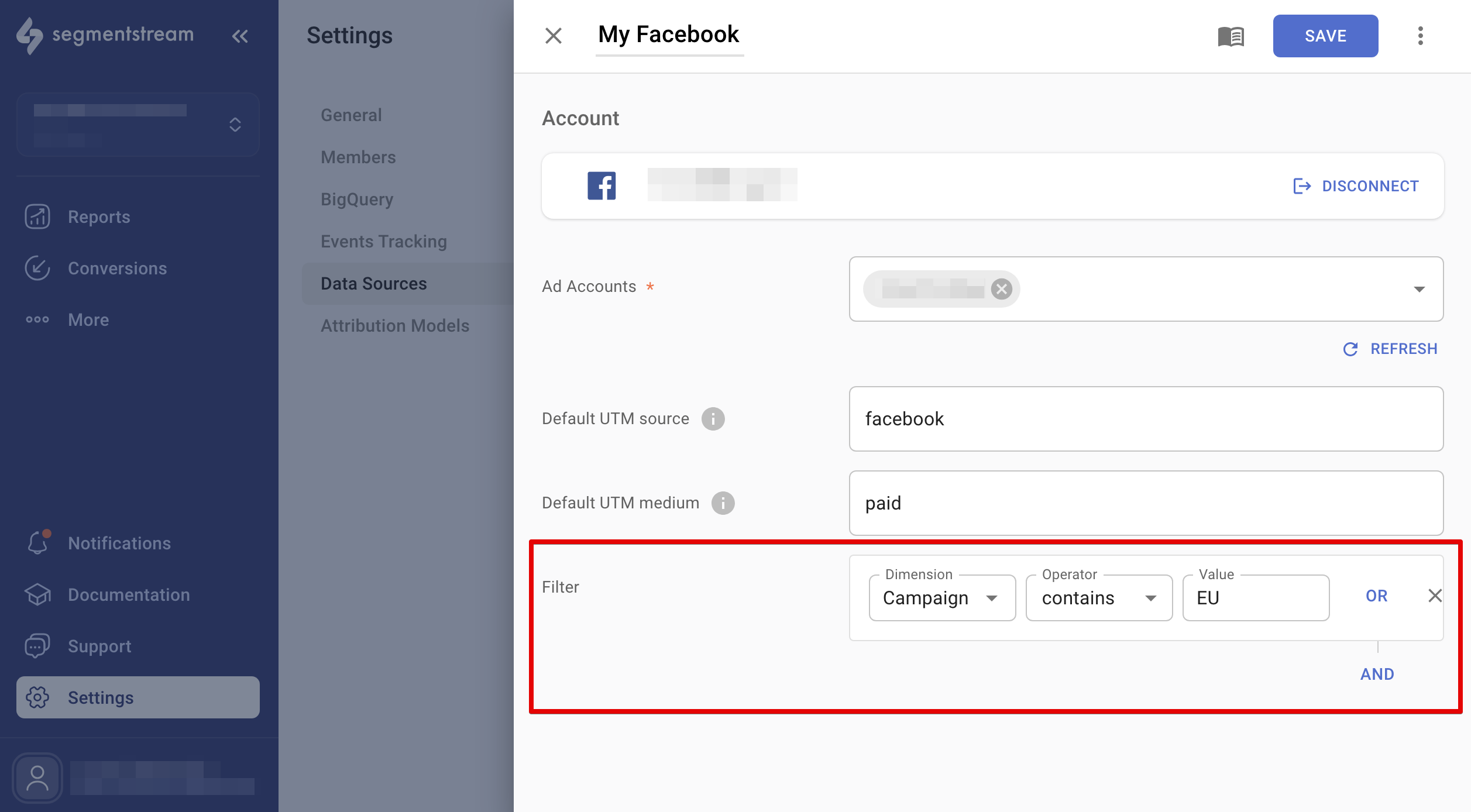
If you run campaigns for multiple websites using one account, you can filter out unwanted websites from reports using the data source filters. This feature works for Google Ads, Facebook Ads, TikTok, and Microsoft Ads. Adjust the settings in each data source, and the changes will reflect in reports the next day.