

Getting started
Before using the optimization module:- Set up event tracking.
- Connect at least one data source.
- Define at least one conversion.
Navigation
To access the optimization module, navigate to the Optimization tab in the main menu. All your portfolios are listed on the main page along with their key metrics and potential uplift.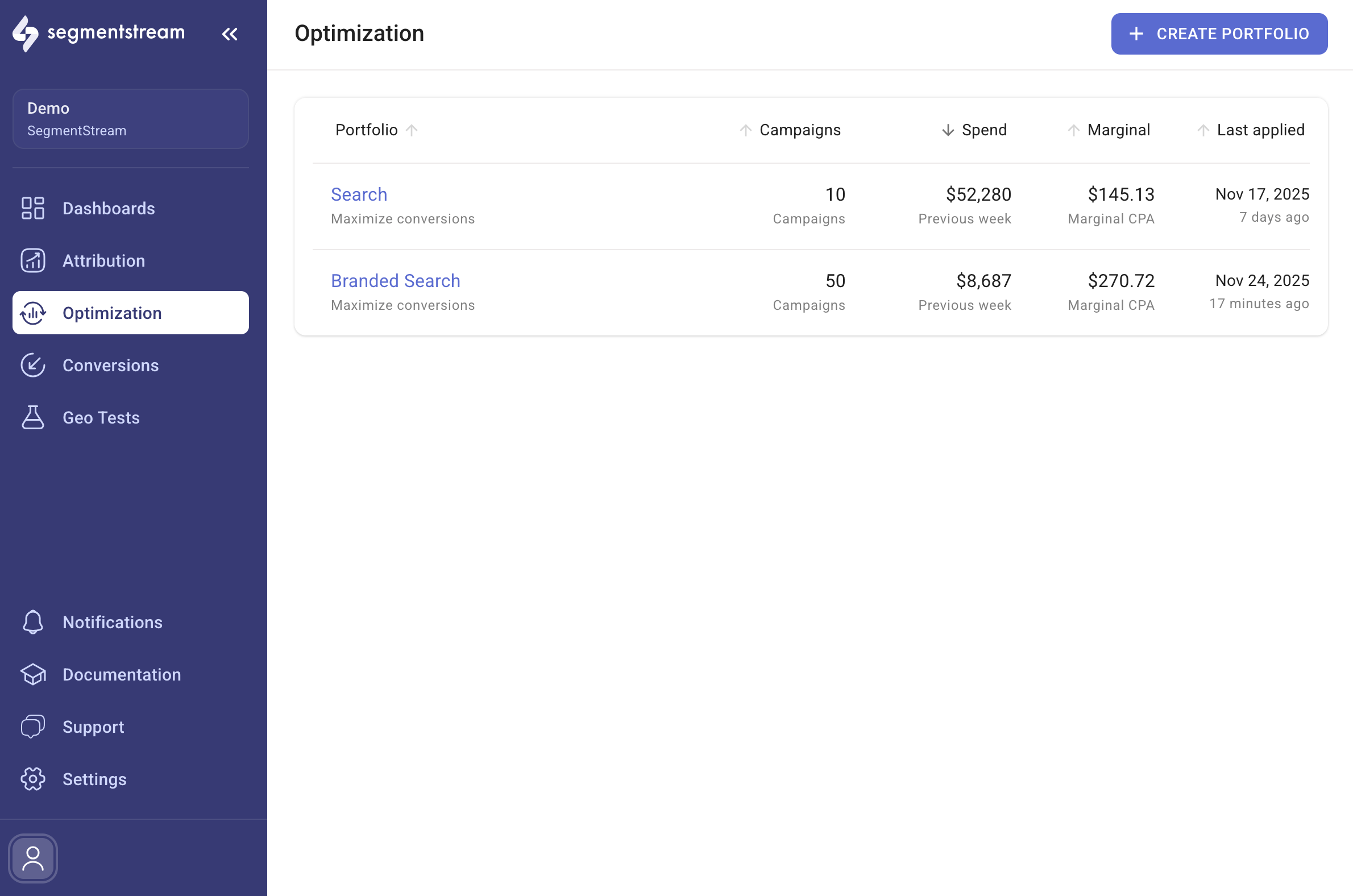
Managing portfolios
To create a new portfolio, click + CREATE PORTFOLIO at the top right of the main page. For details on creating and editing portfolios, read the Portfolio setup guide. To view budget allocation recommendations, select a portfolio from the main page. Refer to the Portfolio optimize guide to get the most from a portfolio.In this section
Portfolio setup
Configure portfolio settings including strategy, optimization goal, schedule, and granularity.
Portfolio optimize
View budget allocation recommendations and apply changes across your channel portfolio.
Optimization overview
Analyze portfolio performance over time with adoption, prediction accuracy, and gain metrics.
FAQ
Common questions about optimization history, adoption, prediction accuracy, and gain calculations.