Name
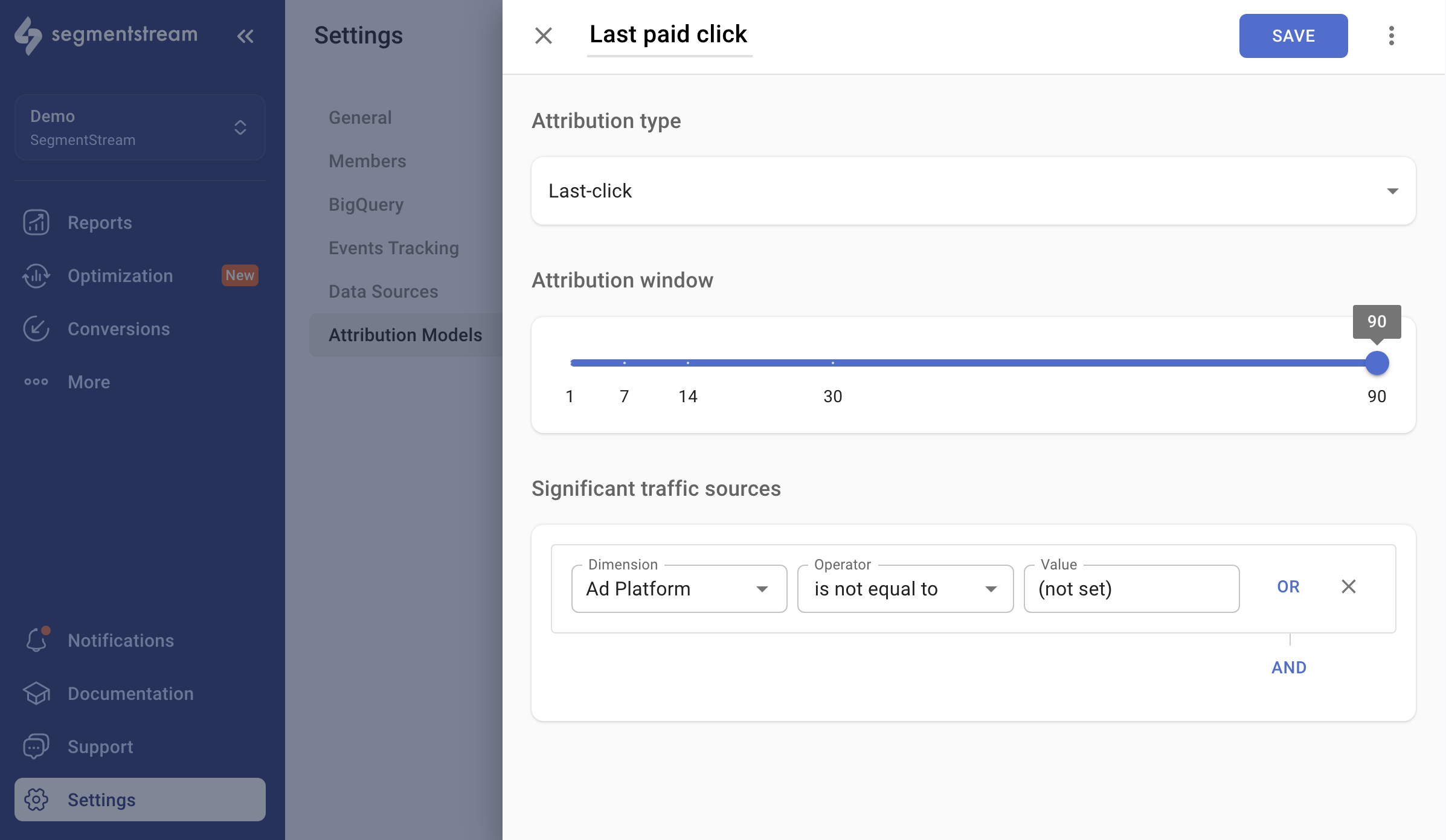
You can name the attribution model as you want to see it displayed in the reports dashboard.Attribution type
Select theLast-click option from the selector.
Attribution window
The attribution window determines the time window within which a conversion can be attributed to the last significant click. For example, if a user visits a website through Facebook Ads and, within 14 days, visits the website directly and makes a conversion, the attribution window affects the results seen in the reports.Significant traffic sources
You can adjust your attribution model by excluding unwanted referrers. For instance, if you wish to provide credit only to paid channels like Facebook, you can set up the following filter:- Dimension:
Ad Platform - Operator:
is not equal to - Value:
(not set)