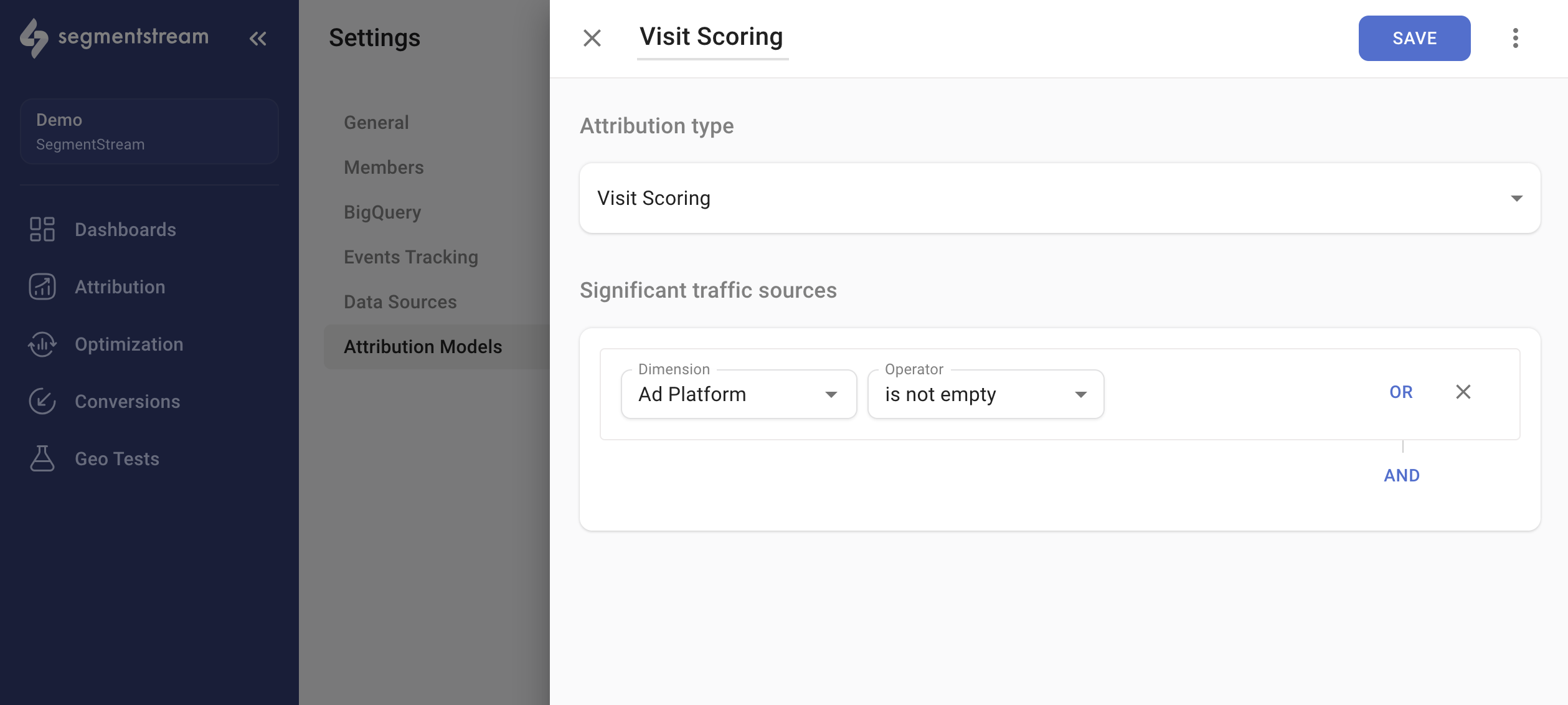
Managing attribution models
To manage your attribution models, navigate to Settings > Attribution Models.- To create a new attribution model, click + ADD in the top-right corner. This opens the configuration window.
- To edit an existing attribution model, click on its name in the list.
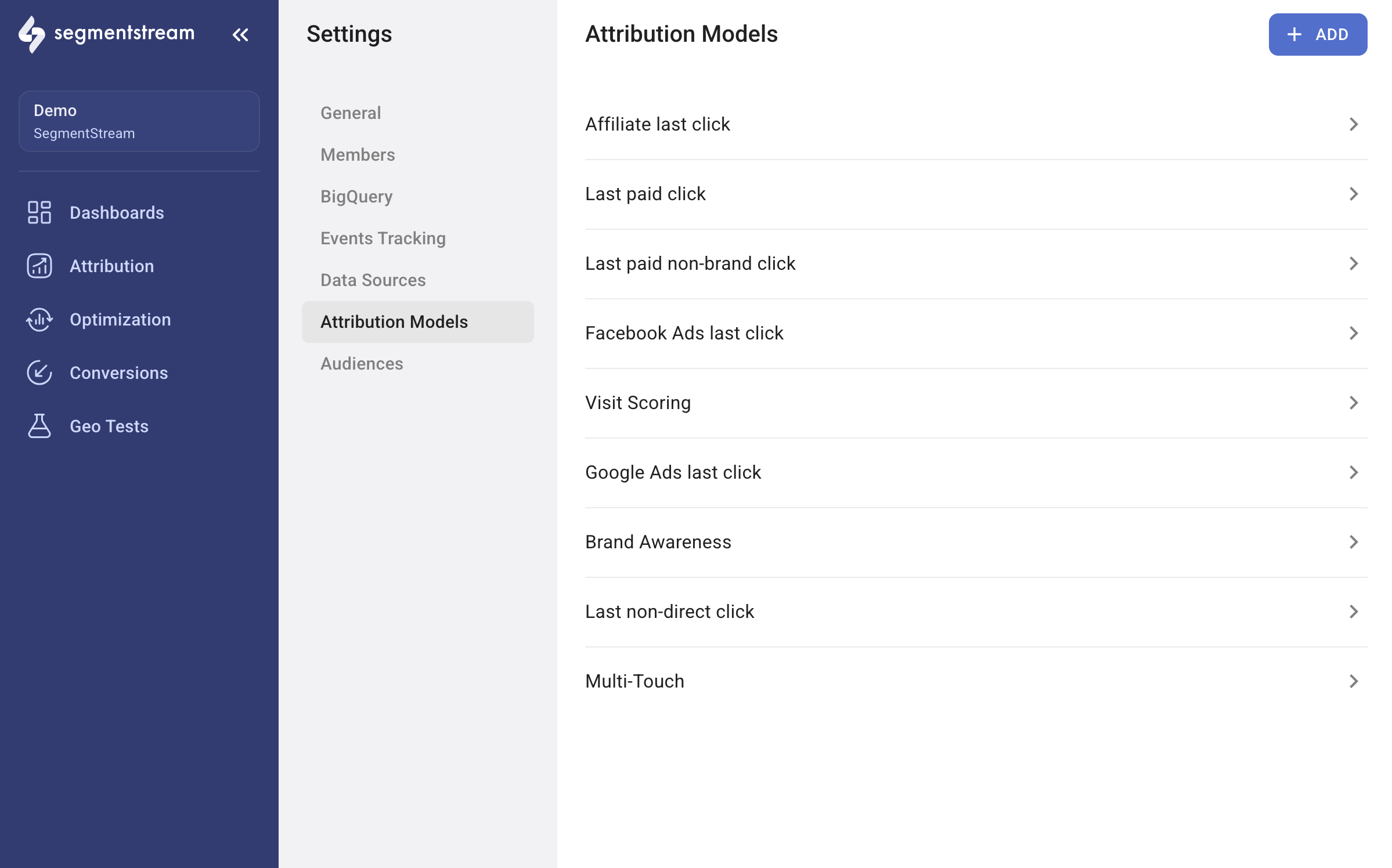
Model types
SegmentStream provides four types of attribution models, each of which can be customized to meet your specific requirements.Last-click
Assigns all credit to the final marketing touchpoint before conversion.
First click
Assigns all credit to the initial marketing touchpoint before conversion.
Multi-touch
Evaluates each session for lift in purchase probability and assigns credit based on intent signals.
Visit Scoring
Assigns fractional conversion credit based on user behaviour after each click.
- Last-click
- First click
- Multi-Touch
- Visit Scoring
The last-click attribution model assigns all credit for a conversion to the final marketing touchpoint that a customer interacts with before converting.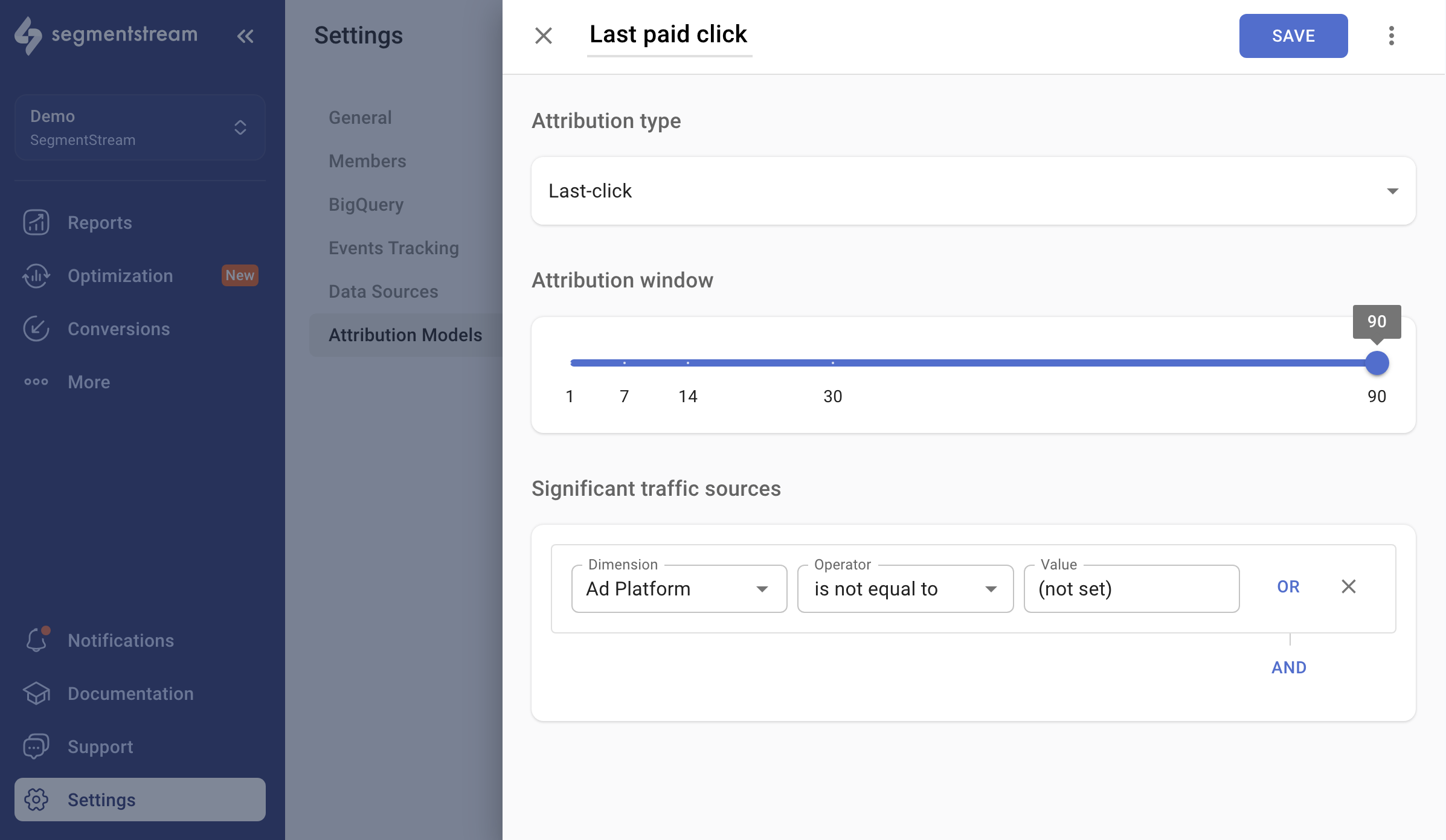
Configuration
- Name — enter the name as you want it to appear in the reports dashboard.
- Attribution type — select
Last-clickfrom the selector. - Attribution window — determines the time window within which a conversion can be attributed to the last significant click. For example, if a user visits a website through Facebook Ads and, within 14 days, visits the website directly and makes a conversion, the attribution window affects which touchpoint gets credit in reports.
Significant traffic sources
You can adjust your attribution model by excluding unwanted referrers. For instance, if you wish to provide credit only to paid channels like Facebook, set up the following filter:- Dimension:
Ad Platform - Operator:
is not equal to - Value:
(not set)