> ## Documentation Index
> Fetch the complete documentation index at: https://docs.segmentstream.com/llms.txt
> Use this file to discover all available pages before exploring further.
# Conversions export
> Export conversion signals from SegmentStream to advertising and analytics platforms.
Conversions export is available only on the [enterprise plan](https://segmentstream.com/pricing).
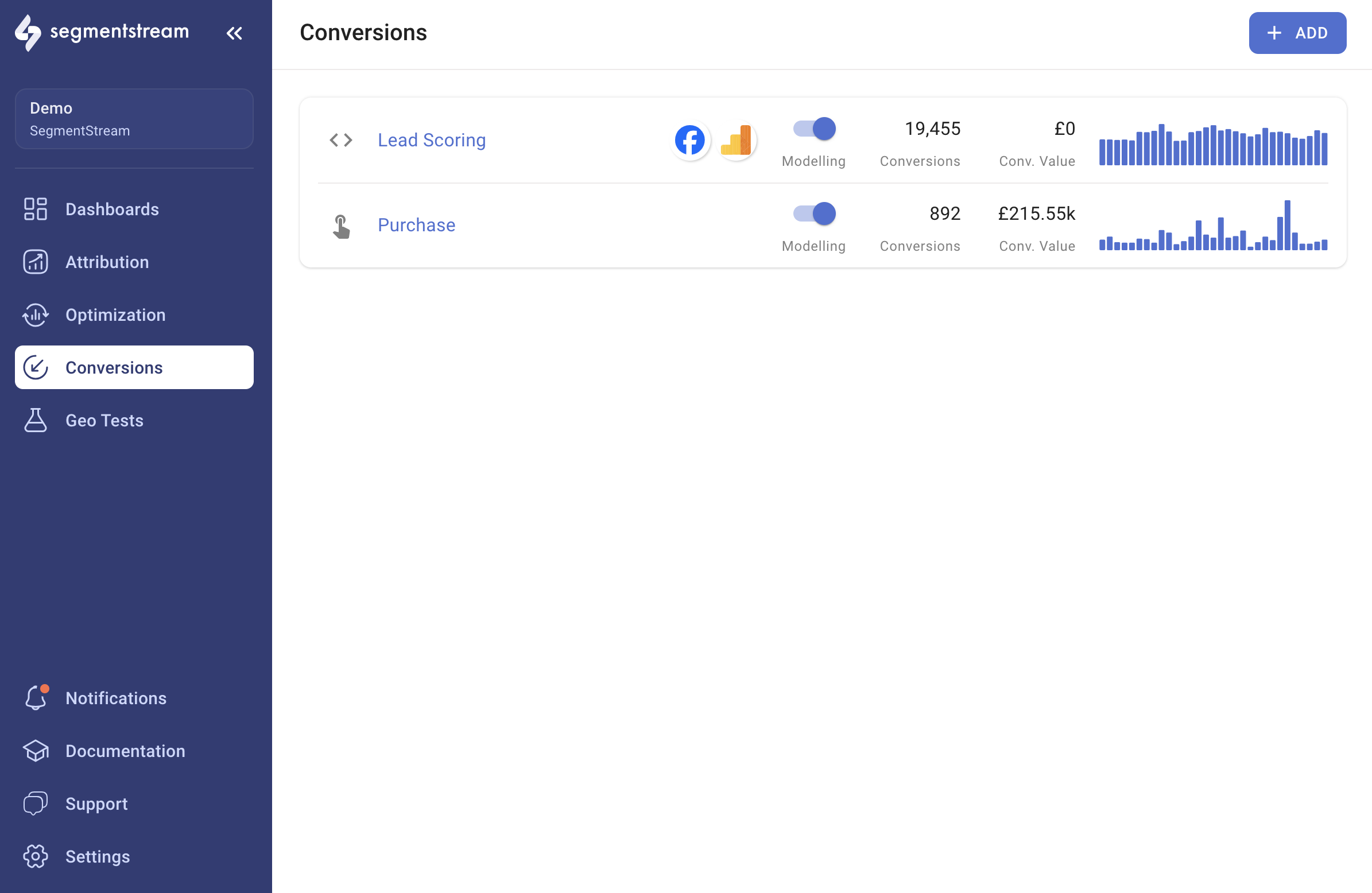
SegmentStream enables you to export conversion signals to advertising and analytics platforms. You can leverage conversion modelling by using the export feature to provide ad platforms with more value signals. Additionally, you can send conversion signals from offline data by creating [custom conversions](/project-configuration/conversions/custom-conversions) and exporting them.
## Setting up a conversion export
Select the conversion you wish to export.
Scroll down to the Exports section.
Click **+ ADD EXPORT**.
Select the desired ad platform for your export.
Configure the export settings and save. Each morning, data from the previous day will be exported to the ad platform.
 ## Supported platforms
Export conversions to your Facebook pixel for improved ad targeting.
Export conversions to Google Ads for bidding optimization.
Export conversions to your LinkedIn ad account.
Export conversions to your GA4 property.
## Supported platforms
Export conversions to your Facebook pixel for improved ad targeting.
Export conversions to Google Ads for bidding optimization.
Export conversions to your LinkedIn ad account.
Export conversions to your GA4 property.