> ## Documentation Index
> Fetch the complete documentation index at: https://docs.segmentstream.com/llms.txt
> Use this file to discover all available pages before exploring further.
# Optimization
> Maximize ROI by intelligently reallocating your budget across all digital channels and campaigns with AI-powered recommendations.
The SegmentStream Optimization module helps you maximize ROI by intelligently reallocating your budget across all digital channels and campaigns.
## Getting started
Before using the optimization module:
* Set up [event tracking](/project-configuration/events-tracking).
* Connect at least one [data source](/project-configuration/data-sources/overview).
* Define at least one [conversion](/project-configuration/conversions).
## Navigation
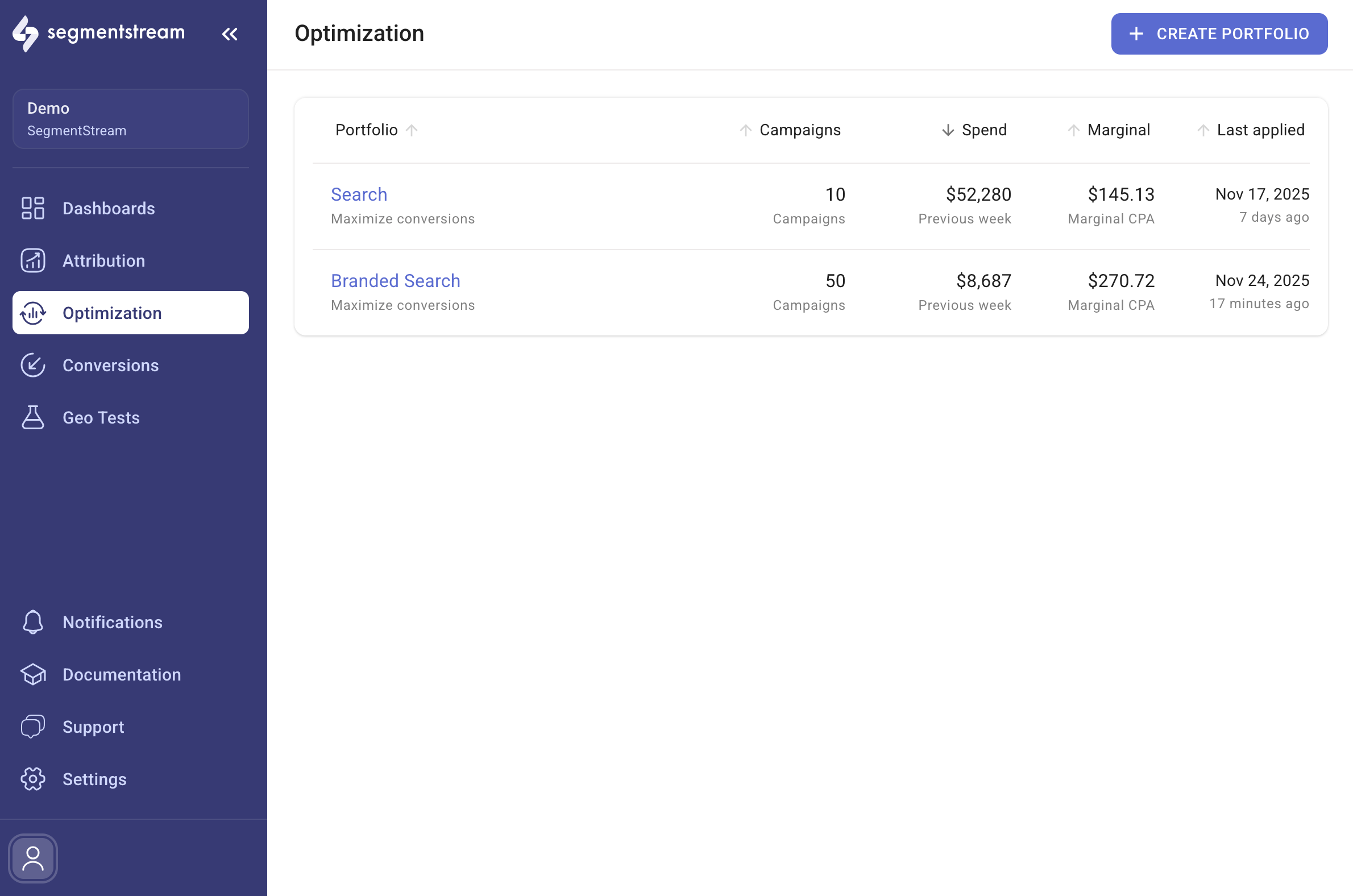
To access the optimization module, navigate to the **Optimization** tab in the main menu. All your portfolios are listed on the main page along with their key metrics and potential uplift.
 ## Managing portfolios
To create a new portfolio, click **+ CREATE PORTFOLIO** at the top right of the main page. For details on creating and editing portfolios, read the [Portfolio setup](/optimization/portfolio-setup) guide.
To view budget allocation recommendations, select a portfolio from the main page. Refer to the [Portfolio optimize](/optimization/portfolio-optimize) guide to get the most from a portfolio.
## In this section
Configure portfolio settings including strategy, optimization goal, schedule, and granularity.
View budget allocation recommendations and apply changes across your channel portfolio.
Analyze portfolio performance over time with adoption, prediction accuracy, and gain metrics.
Common questions about optimization history, adoption, prediction accuracy, and gain calculations.
## Managing portfolios
To create a new portfolio, click **+ CREATE PORTFOLIO** at the top right of the main page. For details on creating and editing portfolios, read the [Portfolio setup](/optimization/portfolio-setup) guide.
To view budget allocation recommendations, select a portfolio from the main page. Refer to the [Portfolio optimize](/optimization/portfolio-optimize) guide to get the most from a portfolio.
## In this section
Configure portfolio settings including strategy, optimization goal, schedule, and granularity.
View budget allocation recommendations and apply changes across your channel portfolio.
Analyze portfolio performance over time with adoption, prediction accuracy, and gain metrics.
Common questions about optimization history, adoption, prediction accuracy, and gain calculations.